



Free
$0 forever
Everything you need to start talking to visitors.
- One agent
- One website
- Every feature, from the inbox to the help center
- 15 days of chat history
- No Quarito branding
Works on WordPress, Wix, Webflow and any website
Quarito is the easiest way to talk to the people on your website. Answer their questions the moment they ask, from one simple inbox, with your brand and never ours.


In short
Quarito is live chat software for websites. You add one line of code to your site, and visitors can message you from any page. Your team answers from one shared inbox in the browser. The chat carries your brand only.
Why Quarito
People rarely say yes when they're unsure. Quarito lets you clear up their doubts the moment they appear, so more of your visitors become customers.
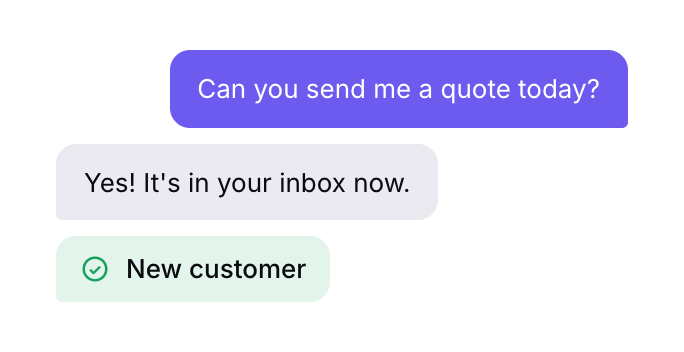
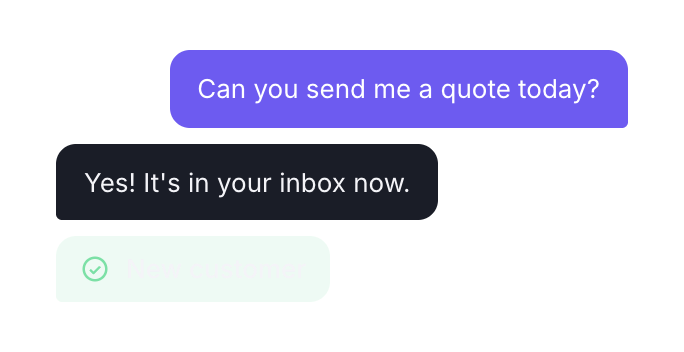
Answer questions about what you offer, your prices and your timing while visitors are still on the page and ready to decide.
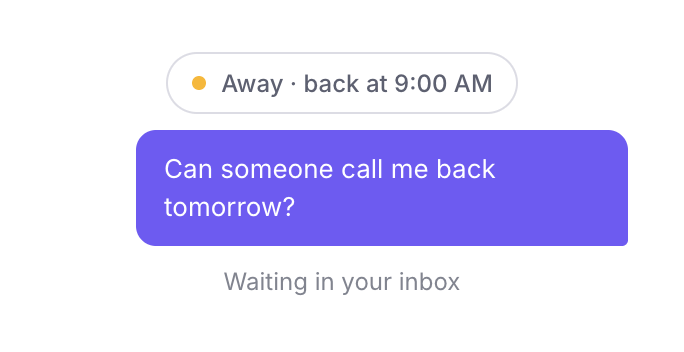
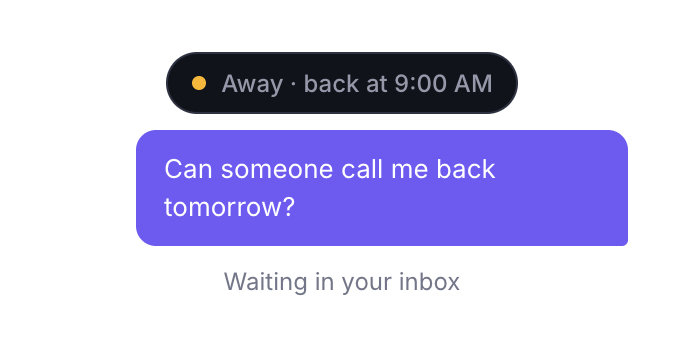
When your team is away, visitors can still write to you. Every message waits in your inbox for the morning.
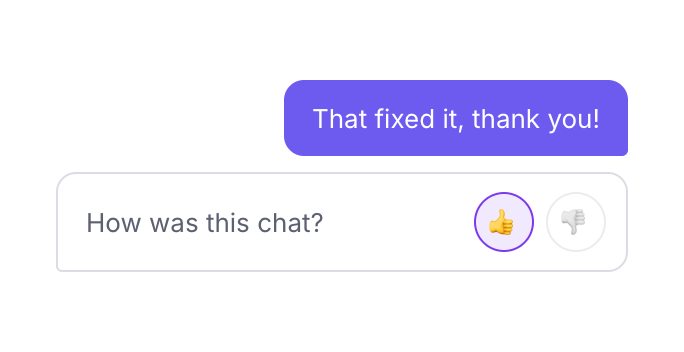
Quick, friendly answers build trust. Visitors rate every chat, so you always know how you're doing.
How it works
No developer, no training, no setup calls. If you can copy and paste, you can use Quarito.
Sign up with your email and add your website's name and address.
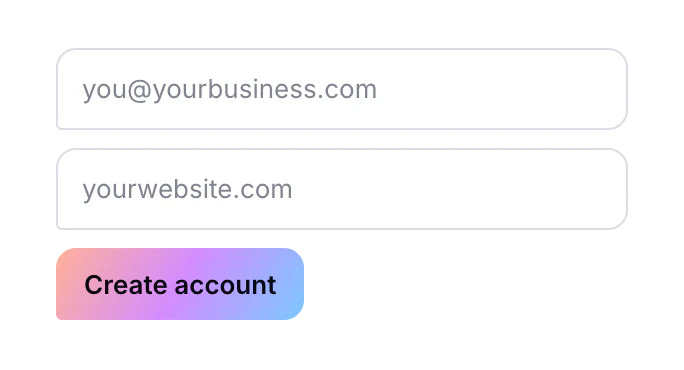
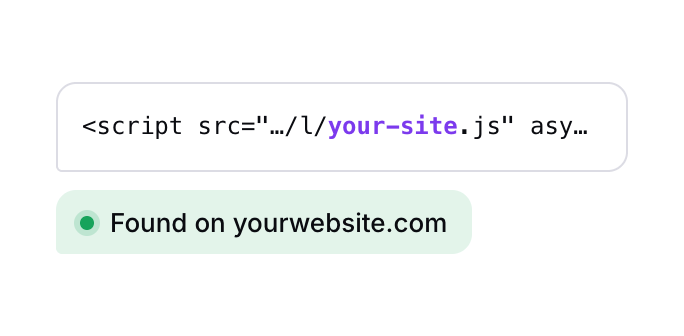
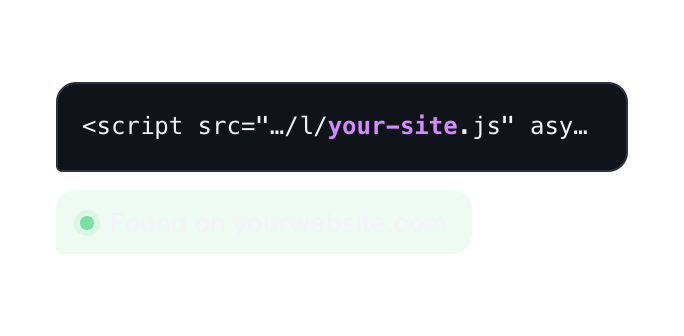
Paste the code into your website or site builder. The dashboard checks that it's found.
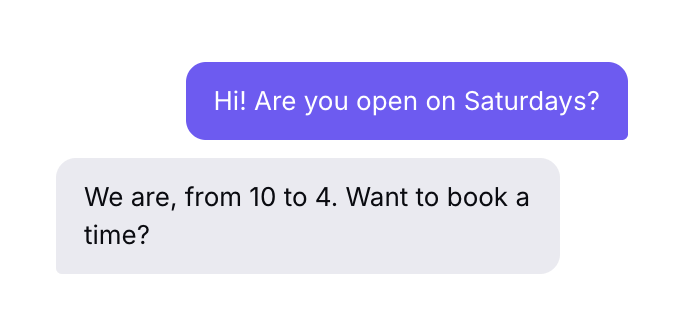
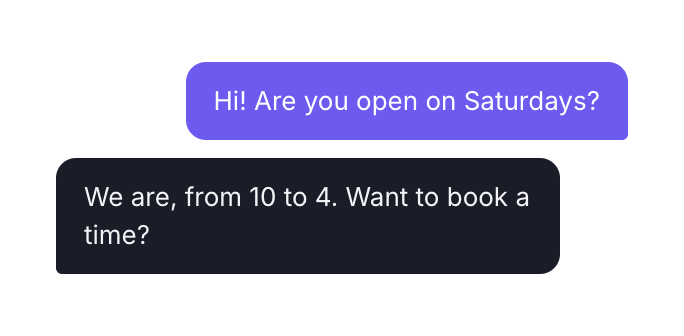
Messages arrive in your inbox as they're sent. Reply from any browser, alone or as a team.
Your brand
Many chat tools put their own logo on your website. Quarito never does. Pick your colour, your words and your corner, and the chat looks like part of your site.
Privacy
The chat sets no cookies and carries no advertising or analytics trackers, so nobody follows your visitors around the web. If you have customers in the EU, that means less personal data in play and fewer GDPR questions to answer.
The inbox
Every chat from every website in one place. New messages appear for everyone as they arrive, with no refreshing and nothing to learn.
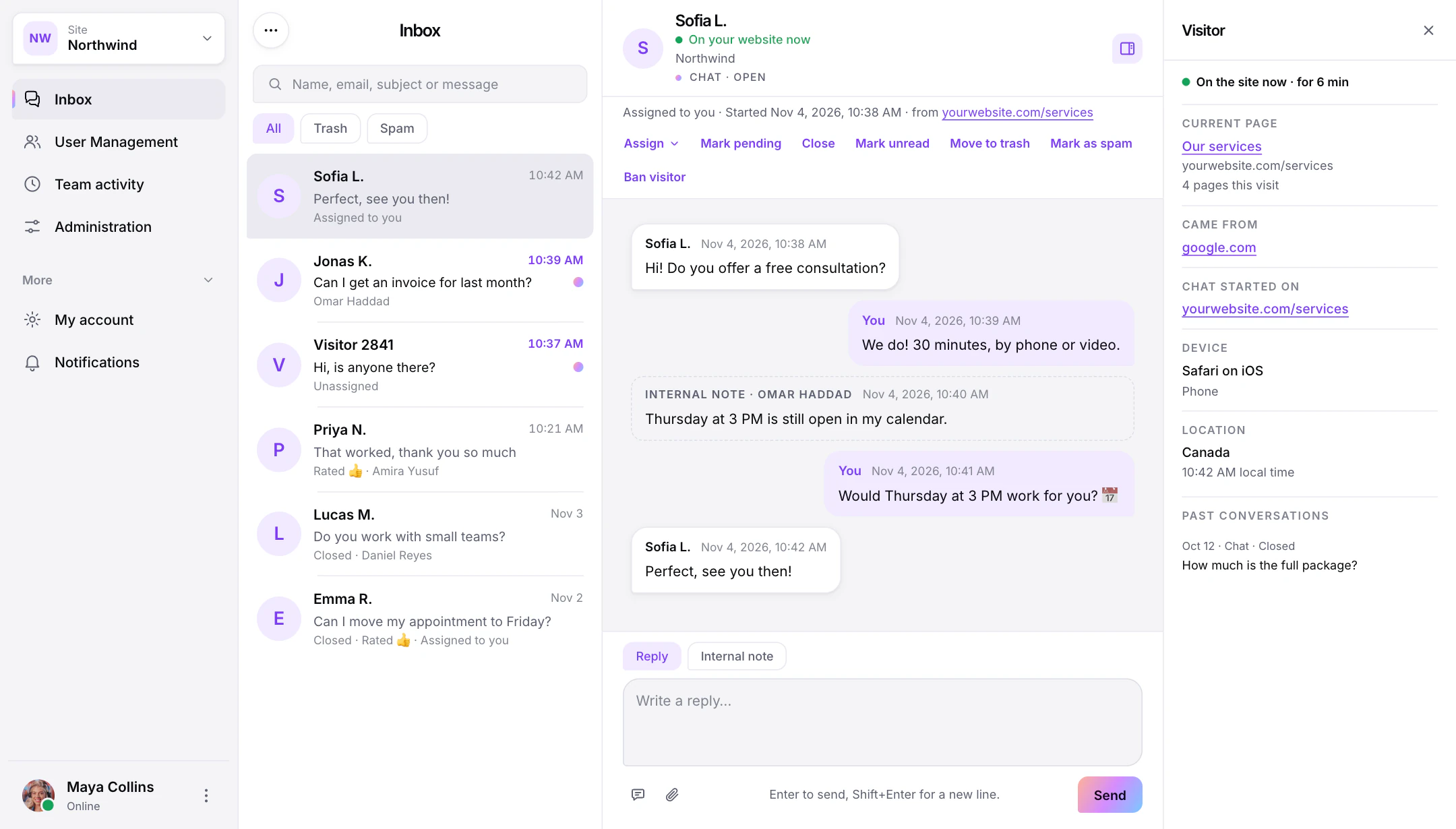
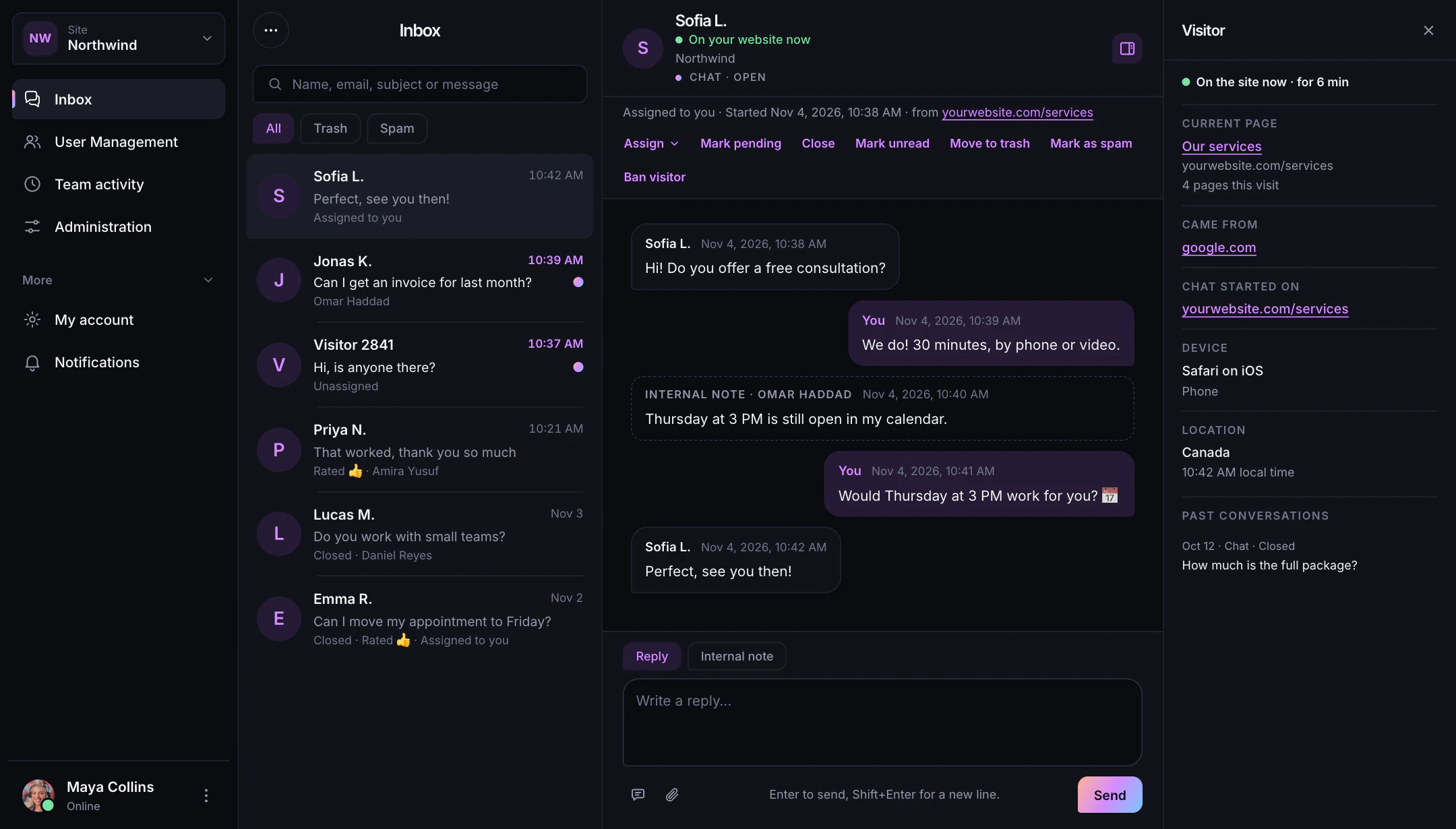
Hand any chat to the right teammate in one click. They're alerted straight away.
New chats go to the online teammate with the fewest open chats, up to a limit you set.
Photos, PDFs and screenshots, sent both ways right inside the chat.
Visitors rate each chat when it ends, and can email themselves a copy.
Office hours
Set the days and times your team answers. Outside them, the chat tells visitors when you'll be back. You choose whether they can still write to you, or whether the chat waits out of sight.
Made for you
Service businesses, software teams and agencies use live chat for different reasons. Here's how each gets more from it.

Turn curious visitors into booked calls, quotes and appointments.
Live chat for services →
Help new users get started, and know exactly who you're helping.
Live chat for software →
Run chat for every client's website from one account, in each client's own brand.
Live chat for agencies →Your team
Invite your teammates, give each person the right role, and see who's working and when.


Pricing
Every feature is on both plans. Premium adds your whole team, more websites and your full chat history, for one flat price, not per seat.
$0 forever
Everything you need to start talking to visitors.
Usually $15 now $9 first month40% offEarly offer, then $15 a month
Usually $150 now $75 first year50% offThen $150 a year
For growing teams and more than one website.
Quarito is live chat software for websites. Visitors message you from any page of your site, and your team answers from one shared inbox in the browser. It installs with one line of code and shows your brand only.
Free costs nothing, forever, for one agent and one website, with every feature. Premium is one flat $15 a month (or $150 a year) for unlimited agents, more websites and your full chat history. See pricing.
No. There's no Quarito logo or "powered by" line in the chat, ever. Your visitors only see your brand.
Create an account, copy your install code and paste it into your site just before the closing </body> tag. There are step-by-step guides for WordPress, Shopify, Wix, Squarespace, Webflow and Google Tag Manager.
You choose. Visitors can keep writing and their messages wait in your inbox, or the chat button hides until your office hours start again.
No. The chat sets no cookies and carries no advertising or analytics trackers. It keeps a random ID and a few settings in the visitor's browser so a chat carries on across pages and visits, and nothing follows people to other websites. See exactly what it stores.
Yes. Beside every chat you see the page the visitor is on, where they came from, their country and local time, and any past chats with them.
Yes. Visitors and your team can send photos, PDFs and screenshots both ways, right inside the chat.
Yes. The chat fills the screen on phones and tablets for your visitors, and your team can answer from any browser.
One line of code · Your brand only · No cookies